
Mobile Apps

NurtureInspireAchieve

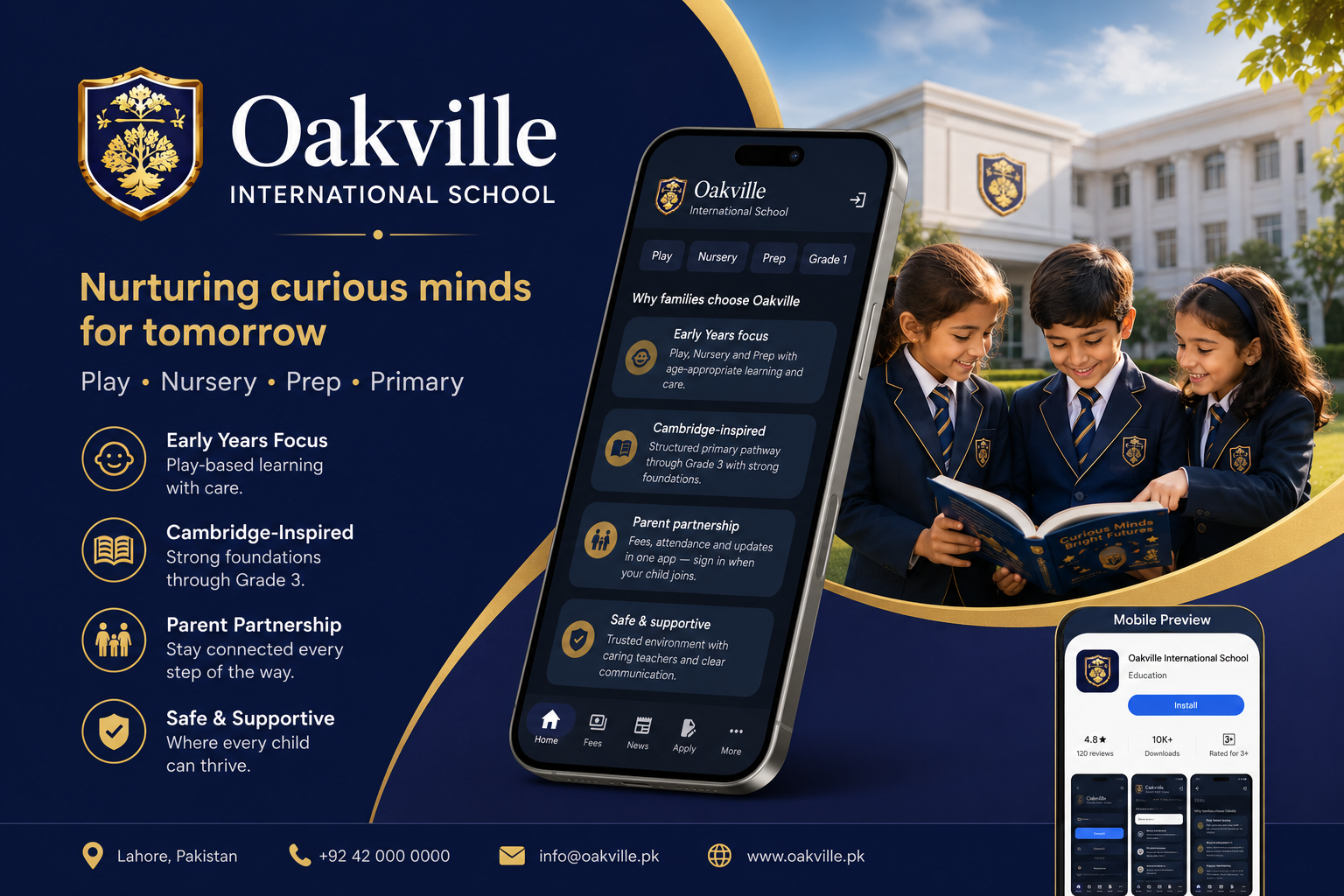
Oakville Mobile App

One app for parents, students, and staff — fees, notices, homework, attendance, and school updates in your pocket.

Oakville International School mobile app on Android
Oakville App

Oakville International School

pk.edu.oakville.app

Closed testing

The Oakville app keeps families and staff connected to daily school life. Sign in with your school account to view fees, notices, homework, attendance, and more.

  • Parents: child fees, notices, homework, and attendance
  • Students: timetable, homework, and results
  • Staff: class tools and school communications
  • Push notifications for important school updates
Get the app

Join closed testing

The app is currently in closed testing. Use the steps below for your device.

Android

Google Play closed testing

Open the testing link, accept the invite with your Google account, then install from Play Store.

  1. Tap Join closed testing below.
  2. Sign in with the Google account shared with Oakville.
  3. Install Oakville International School from Google Play.
Join on Google Play
iPhone & iPad

TestFlight closed beta

iOS builds are distributed through Apple TestFlight. Email us to request an invitation for your Apple ID.

  1. Email [email protected] with your Apple ID email.
  2. Accept the TestFlight invite from Apple.
  3. Install the Oakville app from the TestFlight app.
Request TestFlight invite
Screenshots

Inside the app

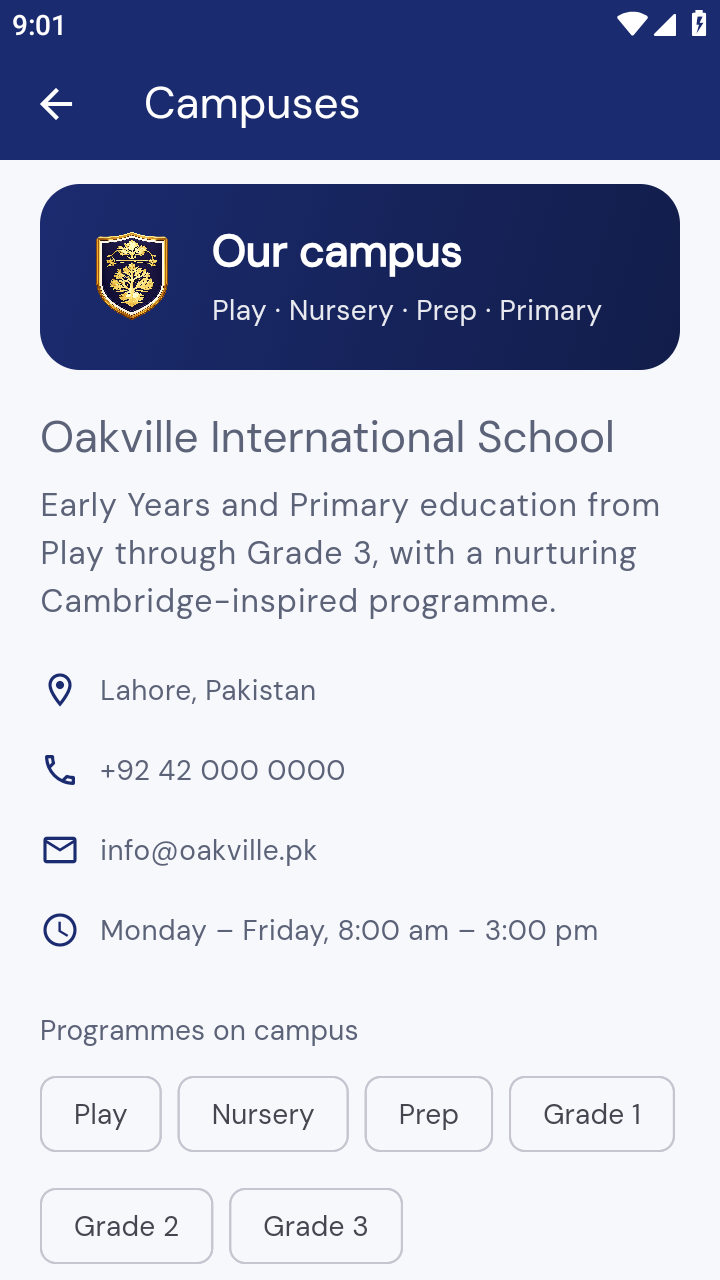
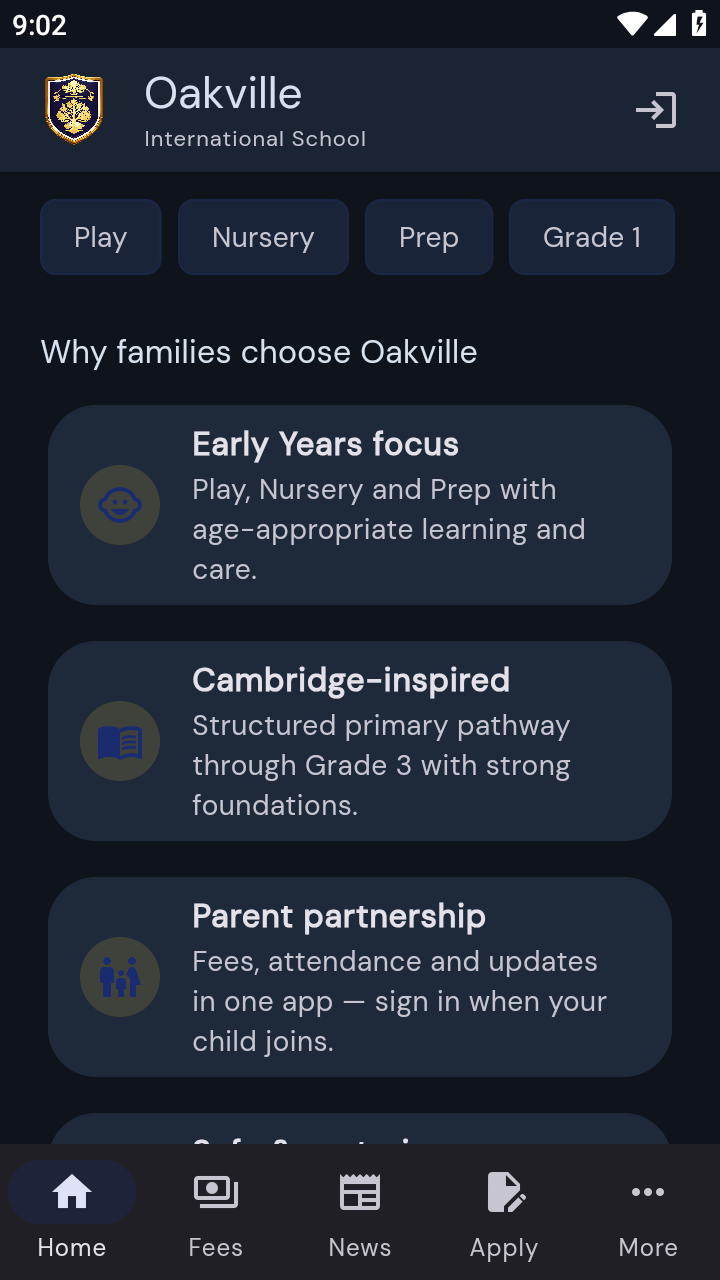
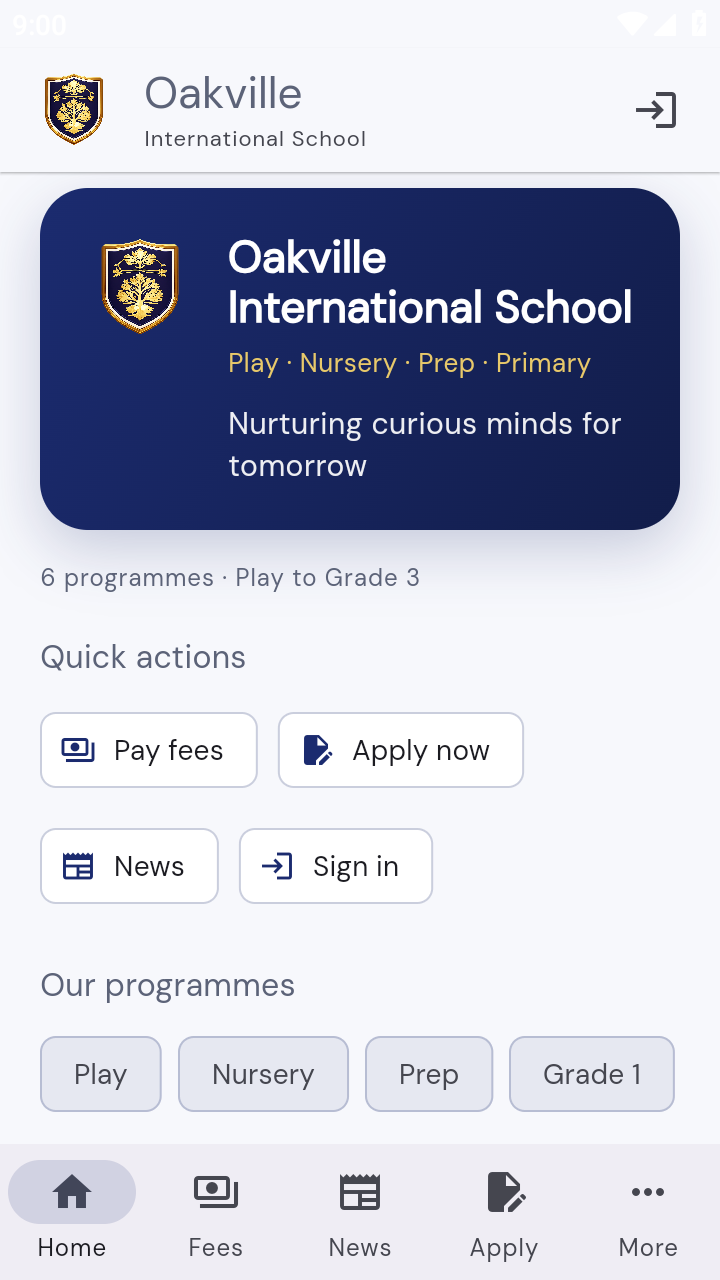
Oakville app home screen
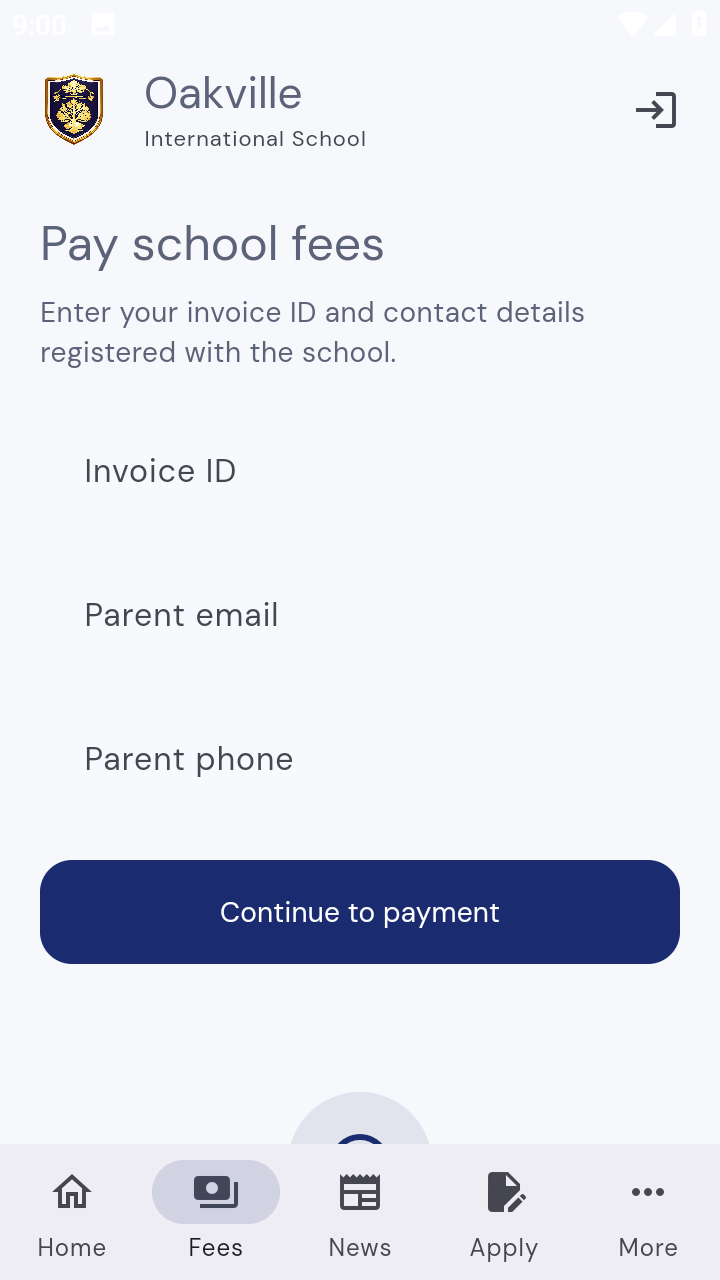
Oakville app fees screen
Oakville app notices screen
Oakville app homework screen
Oakville app attendance screen
Oakville app profile screen
Oakville app sign in screen
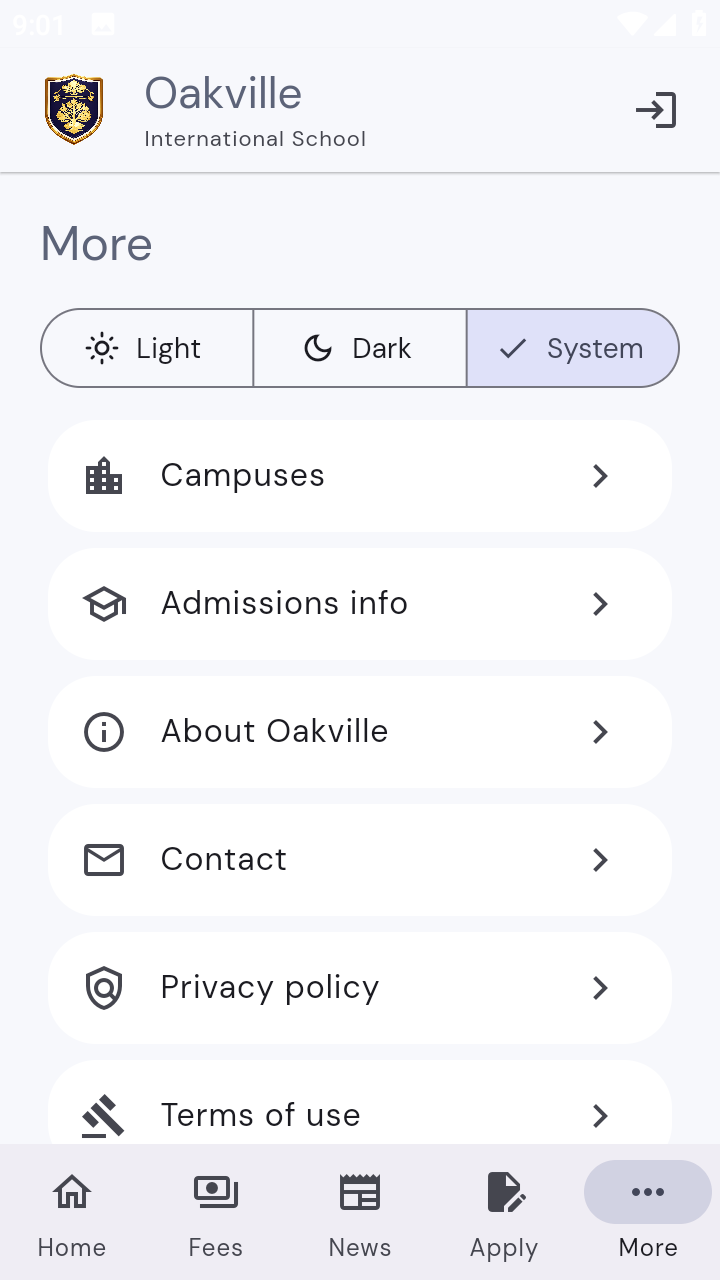
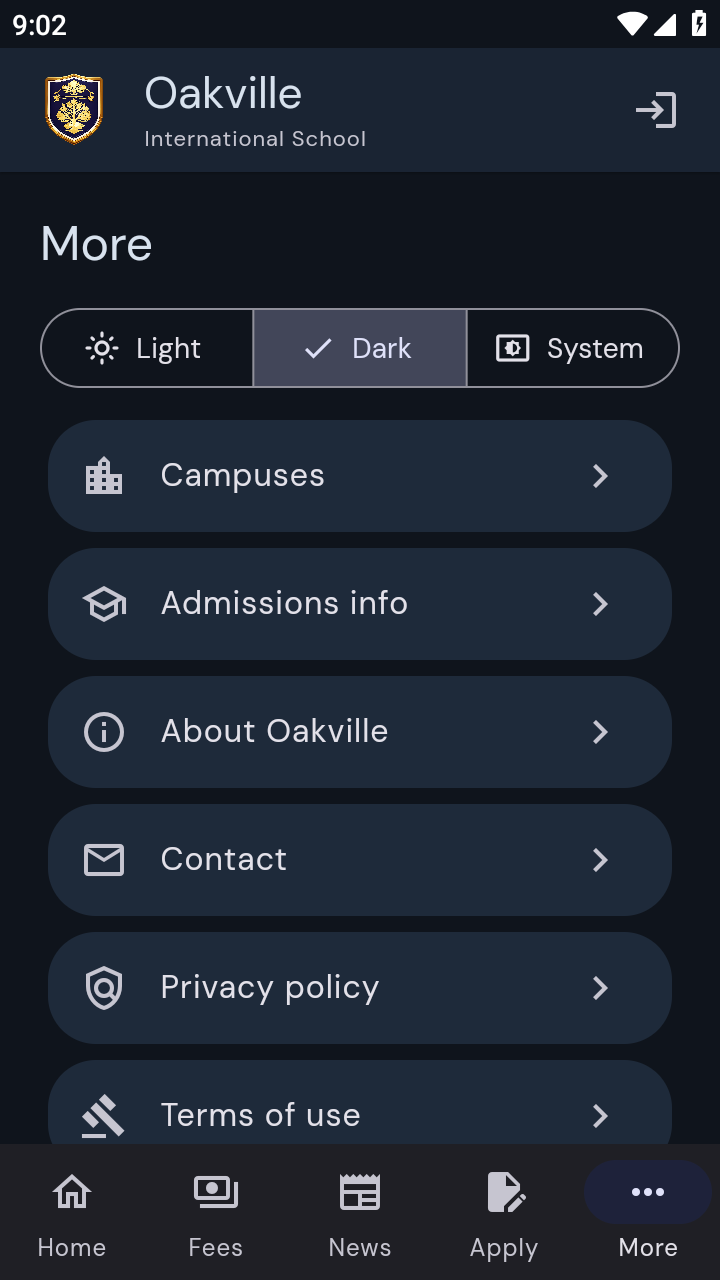
Oakville app more menu
Oakville International School students
Need help?

Support for families and staff

If you cannot access closed testing or need help signing in, contact the school office and we will assist with your account or tester invitation.